PATCH Requests in Express + Node

PATCH requests are used when you want to partially update an existing resource.
Instead of replacing the whole object like PUT, PATCH lets the client send only the fields that need to change.
If PUT is “replace everything,”
PATCH is “update only what’s necessary.”
Let’s break it down step by step.
What Is a PATCH Request?
A PATCH request updates part of an existing record.
This is useful when:
users update a single field (like name or email)
a product changes only its price
you want smaller payloads
you don’t want to overwrite entire objects
In Express, you write it as:
app.patch("/path", (req, res) => {
  // update logic
});
Why Do We Use PATCH?
PATCH is helpful because:
it updates only the changed fields
it avoids sending the entire object
it reduces unnecessary data transfer
it prevents overwriting existing values
Example use cases:
changing a password
updating a profile picture
adjusting a product’s stock
editing part of a blog post
Enabling JSON Parsing for PATCH
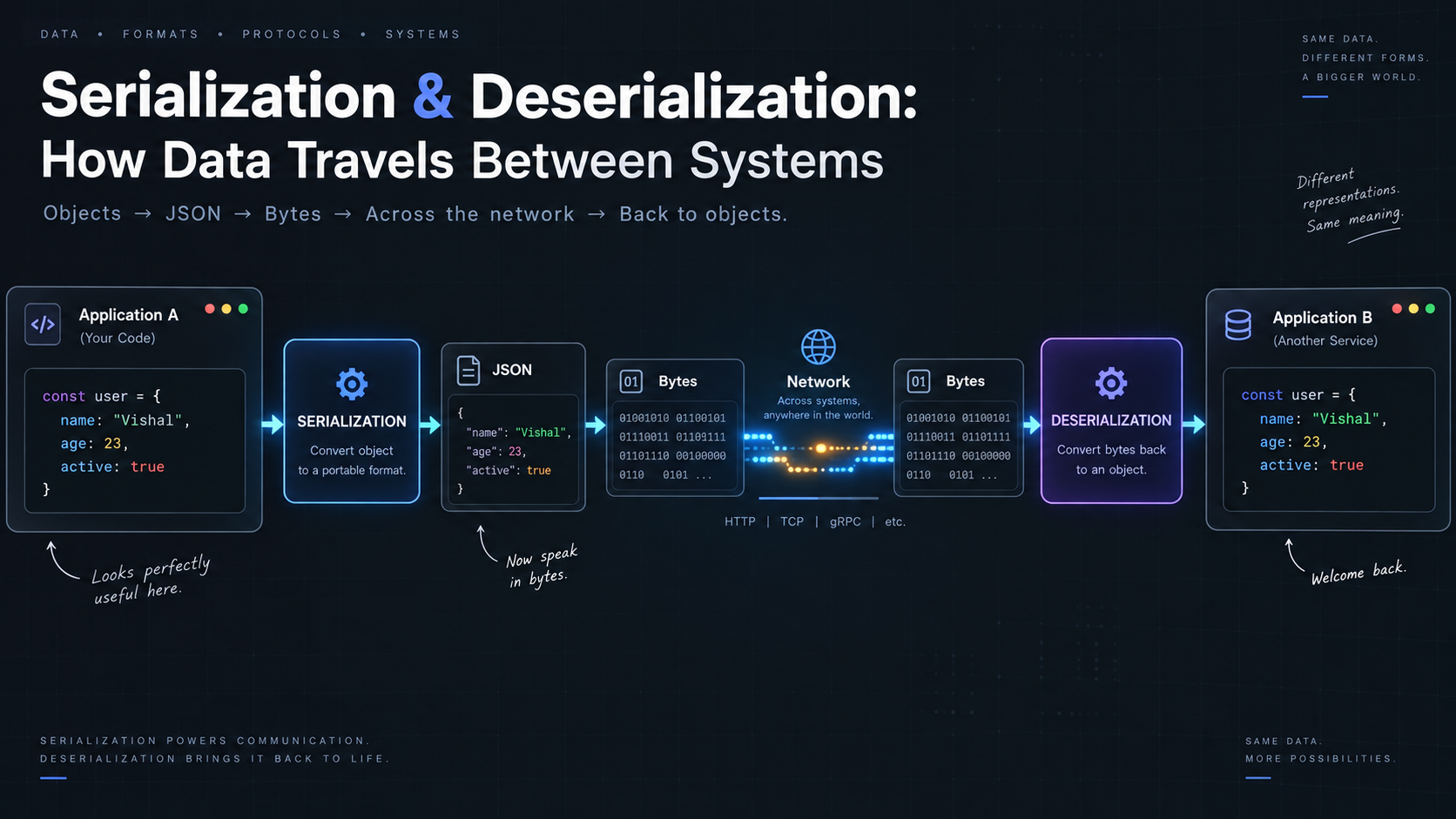
PATCH requests usually send JSON.
Make sure your server can read it:
app.use(express.json());
Now req.body will contain the data you want to update.
A Basic PATCH Request Example
app.patch("/users/:id", (req, res) => {
  const userId = req.params.id;
  const updatedFields = req.body;

  res.json({
    message: `User ${userId} updated partially`,
    updated: updatedFields
  });
});
If the client sends:
{
  "email": "new@mail.com"
}
Only the email will be updated — other fields remain unchanged.
PATCH vs PUT — Clear Explanation
PUT
Full update
Replaces entire resource
Requires complete object
Missing fields may be lost
PATCH
Partial update
Updates only specific fields
Requires only changed values
Safe for individual edits
A simple way to remember:
PATCH = small update
PUT = whole update
Using Route Parameters with PATCH
PATCH almost always uses route parameters because you’re updating a specific record.
Example:
app.patch("/products/:productId", (req, res) => {
  const id = req.params.productId;
  const changes = req.body;

  res.send(`Product ${id} updated with partial data`);
});
URL:
PATCH /products/50
This tells the server exactly which product to modify.
Validating PATCH Data
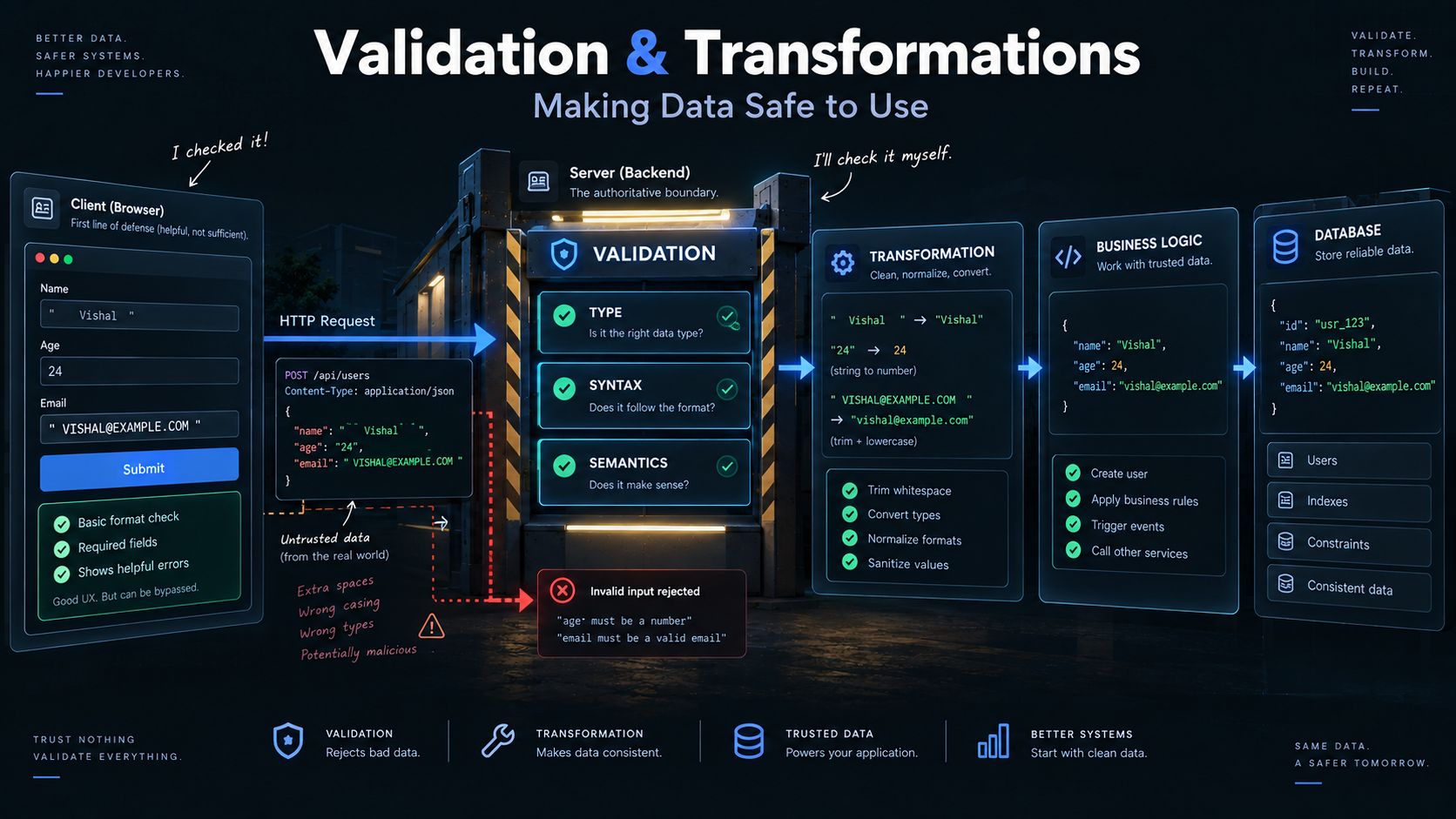
PATCH updates only the fields provided, but you should still validate the input.
Example:
app.patch("/profile/:id", (req, res) => {
  const updates = req.body;

  if (!Object.keys(updates).length) {
    return res.status(400).send("No data provided for update");
  }

  res.send("Profile updated");
});
This prevents empty PATCH requests.
PATCH with Routers
When using express.Router(), PATCH fits smoothly into organized route files.
routes/userRoutes.js
const express = require("express");
const router = express.Router();

router.patch("/:id", (req, res) => {
  res.send(`User ${req.params.id} updated partially`);
});

module.exports = router;
In server.js
app.use("/users", userRoutes);
Final endpoint:
PATCH /users/25
PATCH Requests with Databases (Basic Concept)
Most PATCH requests will update database fields.
A typical example (MongoDB/Mongoose style):
app.patch("/items/:id", async (req, res) => {
  const updated = await ItemModel.findByIdAndUpdate(
    req.params.id,
    req.body,
    { new: true }
  );

  res.json(updated);
});
PATCH only applies the fields provided in the body.
Common Use Cases for PATCH
PATCH is perfect for:
Updating only a user’s email
Changing one product detail
Editing a single field in a record
Updating settings
Marking something as “completed”
Whenever the client is not sending the entire object, PATCH is the right method.
Summary
PATCH requests are used for partial updates in APIs.
They are simple, flexible, and efficient when you only need to change specific fields.
With PATCH, you can:
update small pieces of data
avoid overwriting entire objects
keep payloads small
follow REST API best practices
Thank you for reading till the end. I am grateful.
If you see any errors or face any difficulty in the blog,
Do let me know through comments or write to me on this
abhimanyug987@gmail.com